
Business · 22 August 2026 · 5 min read
7 tips for a LinkedIn photo that works
What makes a profile photo look professional yet approachable? Practical tips on clothing, expression, background and framing.
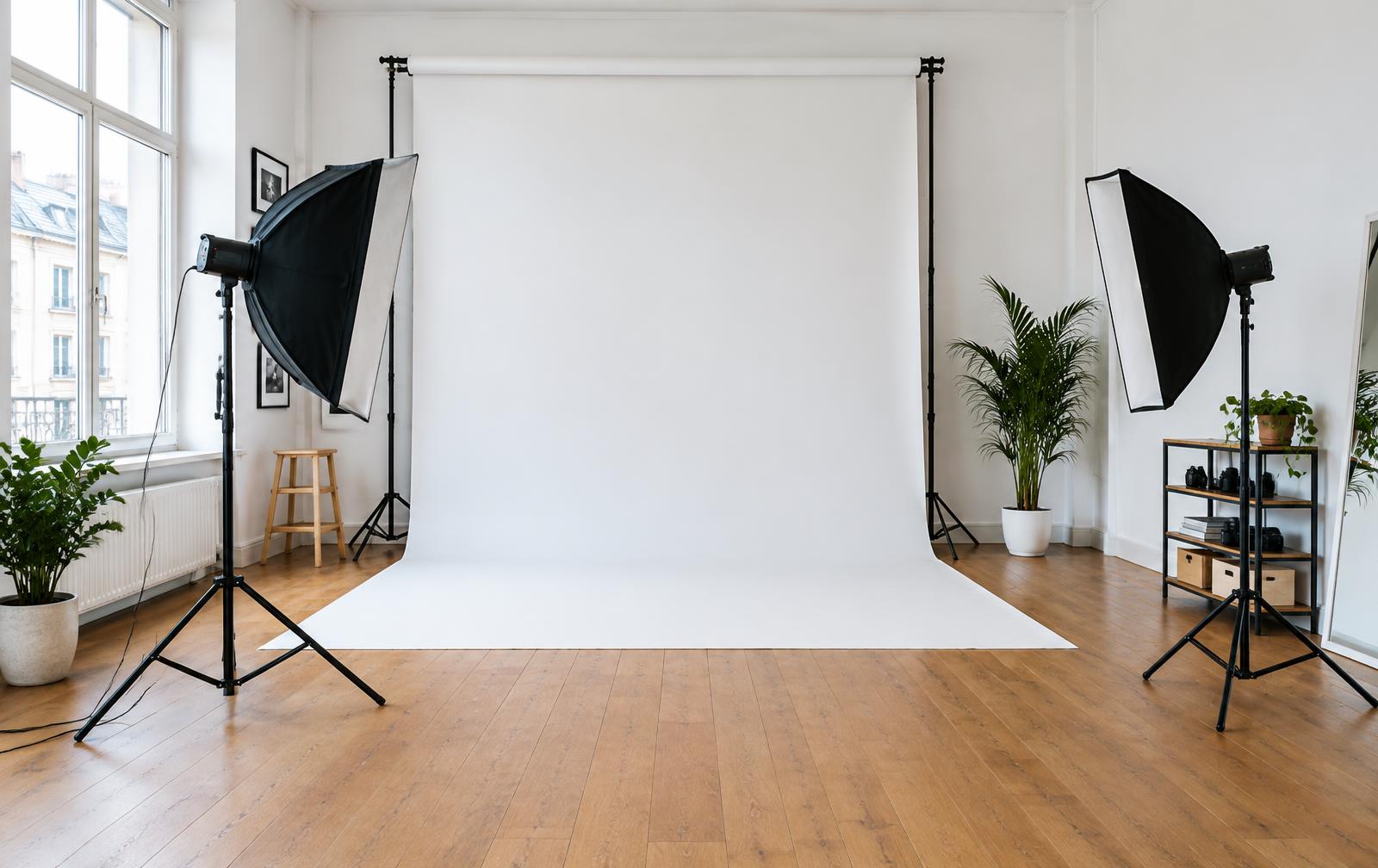
Your profile photo is often the first thing a recruiter or client sees of you. A good headshot is sharp, up to date and conveys quiet confidence — not a holiday snap with someone cropped out.
1. Keep the framing tight
Your photo appears small on LinkedIn. A head-and-shoulders crop works best; anything wider gets lost in the thumbnail.
2. Choose clothes you wear regularly
An outfit you feel comfortable in always creates a more natural image than a brand-new shirt that still feels stiff.
3. Think about your background
A plain, light grey background is a safe, timeless choice. A warmer tone can work well for creative industries.
4. Smile naturally
A small, genuine smile works better than a broad, forced grin. We keep chatting throughout the shoot; the best shots often happen between poses.
5. Pay attention to your shoulders
Turning your shoulders slightly while keeping your face towards the lens creates a slimmer silhouette and a more engaged posture.
6. Update your photo every two years
People should recognise you from your photo when you meet in person. A ten-year-old image works against you.
7. Be consistent
Use the same photo on LinkedIn, your CV and your website. Being recognisable builds trust.
Related service
LinkedIn & CV headshot
A headshot that conveys confidence, with expert posing guidance and natural retouching.
View linkedin & cv headshot